


Read, edit & convert any file

Every file. Every PDF tool. One app.

Open PDF, Word, Excel, PowerPoint and TXT files in a tap — then highlight, sign, merge, split, convert, translate and lock them without switching apps.

  • 19PDF tools
  • 5file types
  • 59languages for AI Translate

Move your cursor · tap a file

Convert to PDF

Drop a file. Get a PDF.

Word, Excel, PowerPoint, text or a photo — Pagelume turns it into a clean PDF you can share anywhere.

  • Scan PDF
  • Image to PDF
  • PDF to Word
  • PDF to Image

Scan PDF uses your phone’s document scanner for paper pages; PDF to Word and PDF to Image go the other way.

Live demo · sample file

Drag a file into the ring — or tap it

Annotate · Fill & Sign

Read it. Mark it. Sign it.

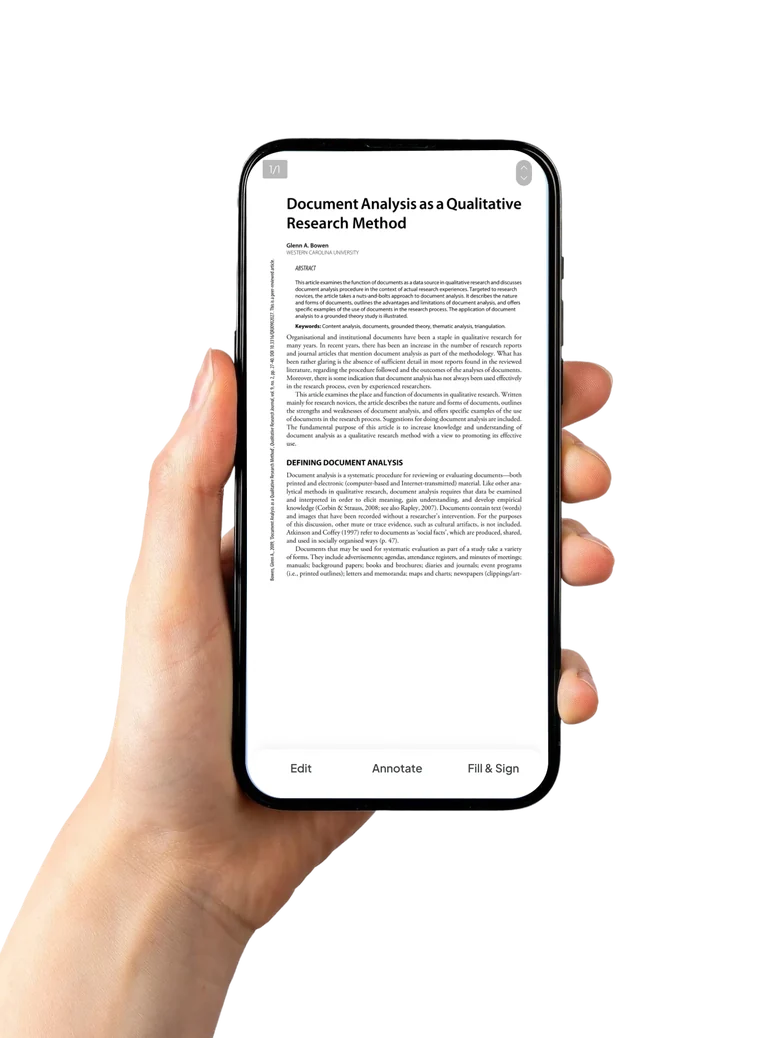
A reader built for phone screens — dark mode, search and bookmarks — with the pens and the signature right below the page.

Business Plan.pdf

Business Plan 2026

Prepared for the board · Page 1 of 4

Our goal for this year is simple: help every team read, sign and share documents faster, on the phone they already carry.

Key results

Revenue grew 24% in Q3 while costs dropped by 12%. The new app launches in May with offline reading and one-tap conversion to PDF.

Next steps: review the budget, approve the plan and sign below.

Approved by
Organize

Pages in any order

Drag pages into place, pull out the ones you need or join several PDFs into one.

Press and hold images to rearrange

    On-device AI

    Read any page in your language

    Pick a language and Pagelume translates the text of up to 5 pages into a new PDF.

    Pagelume.pdf

    Tap a language

    • 59 languages
    • Runs on your phone
    • One-time download, about 30 MB.
    • Select up to 5 pages you want to translate.

    This demo shows the app’s own onboarding text in the languages Pagelume ships in. In the app, AI Translate offers 59 languages and runs on your phone.

    Protect

    Lock what’s private

    Set a password before you share a contract or a payslip — and take it off again when you don’t need it.

    Forgot it? A security question resets passwords you set in the app.

    Contract.pdf

    Type any password

    Tools tab

    19 tools, one tab

    The same Tools tab you get in the app, grouped the same way. Tap one to see where it lives.

    Create & Convert

    Edit & Sign

    Organize

    Protect

    AI Tools

    Inside the app

    Made for the phone in your hand

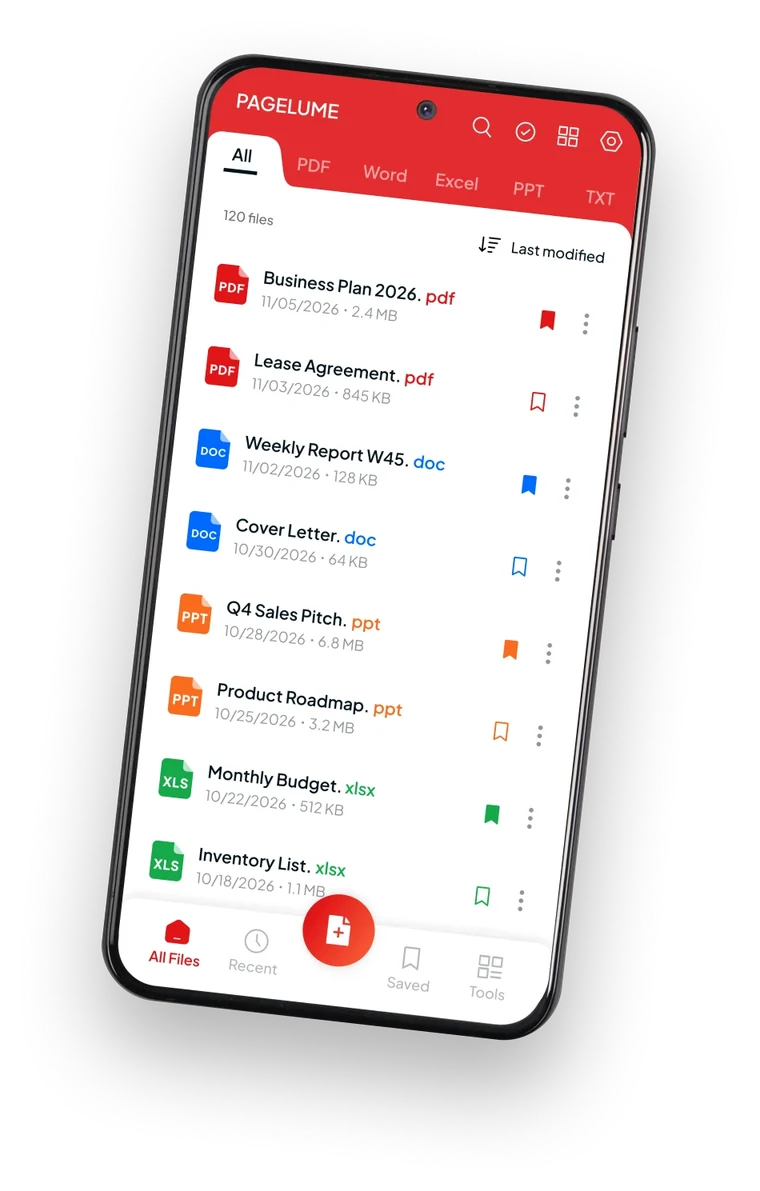
    1. All your files in one app

      All Files, Recent and Saved tabs, sorting, search and a tab for each file type.

    2. Every PDF tool you need

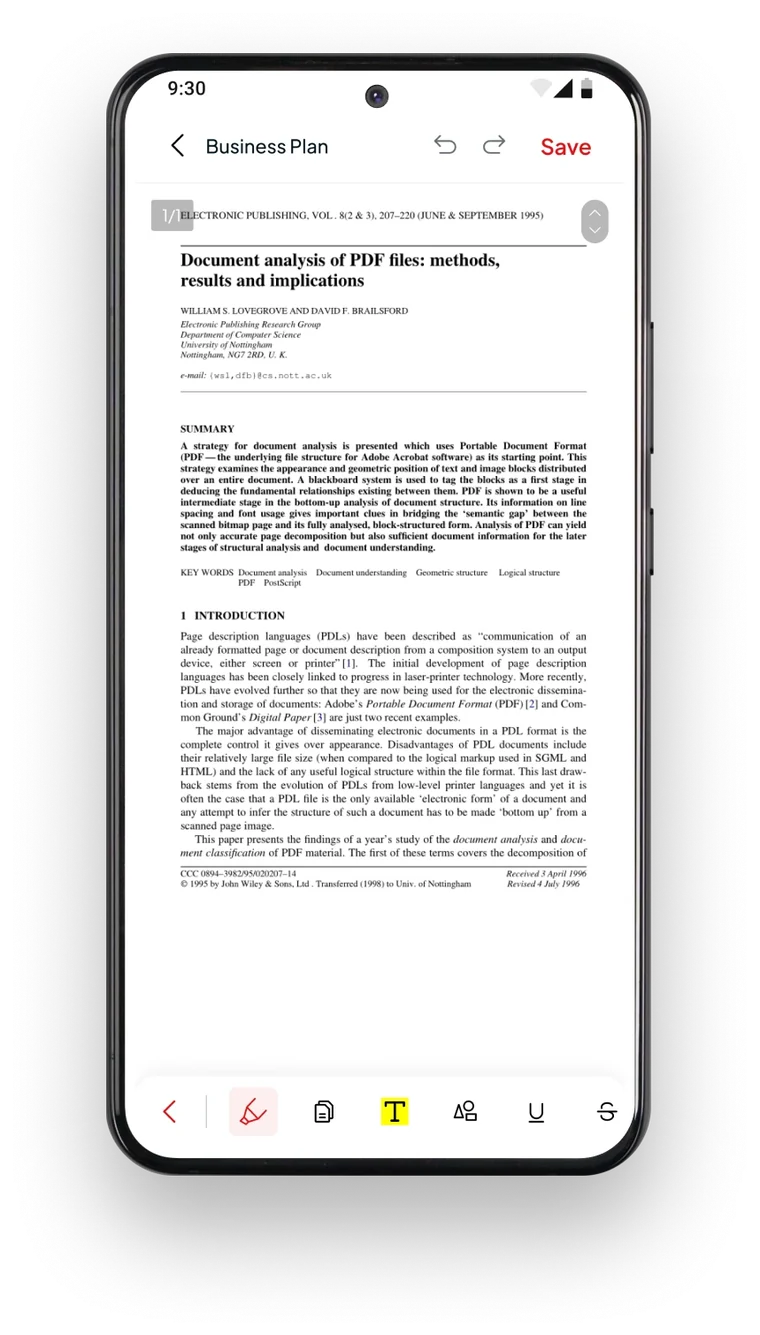
      Highlight, underline, strike through, draw, add text and images — then save or keep a copy.

    3. Fill & Sign

      Draw your signature once and place it wherever the form asks for it.

    Free on Google Play

    Your documents, sorted.

    Get Pagelume and open, edit, sign, convert and translate your files — all from one app.

    Get it on Google Play

    Pagelume: PDF Tools · Android · Free download

    QR code: Pagelume on Google Play

    Scan with your Android phone